


An API to programmatically generate memes based solely on requested URLs.
<span class="badges"><!-- badges -->


Buy me a coffee to help keep this service running!
Images

The API is stateless so URLs contain all the information necessary to generate meme images. For example, https://api.memegen.link/images/buzz/memes/memes_everywhere.webp produces:

Available Formats
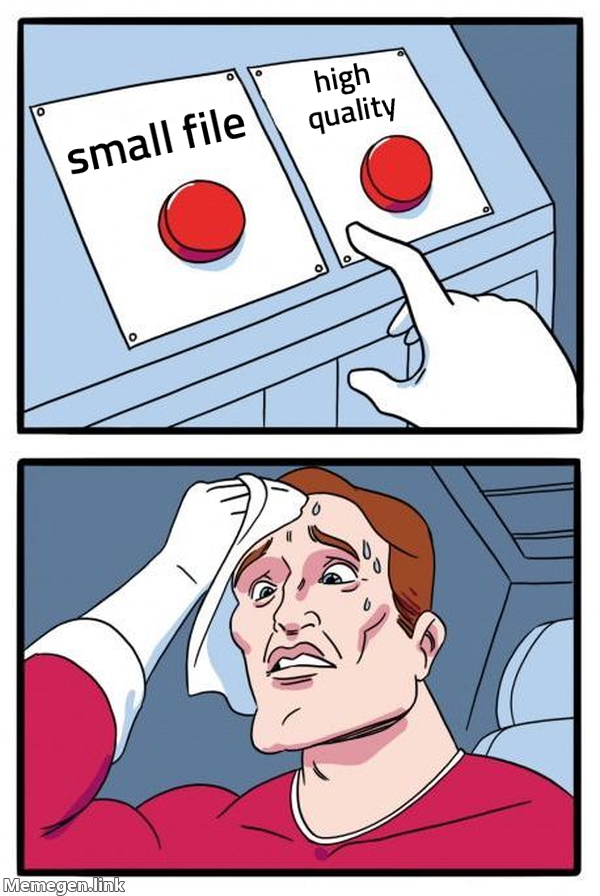
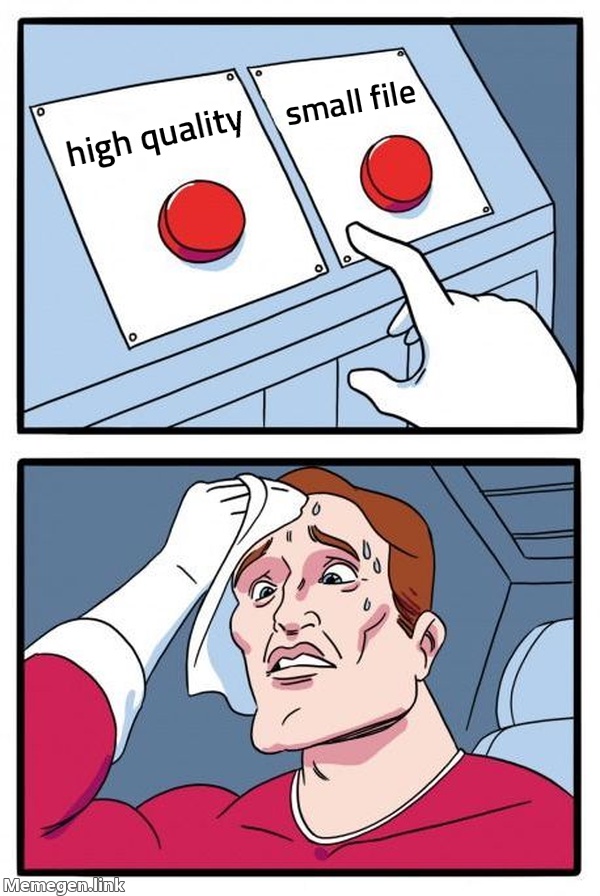
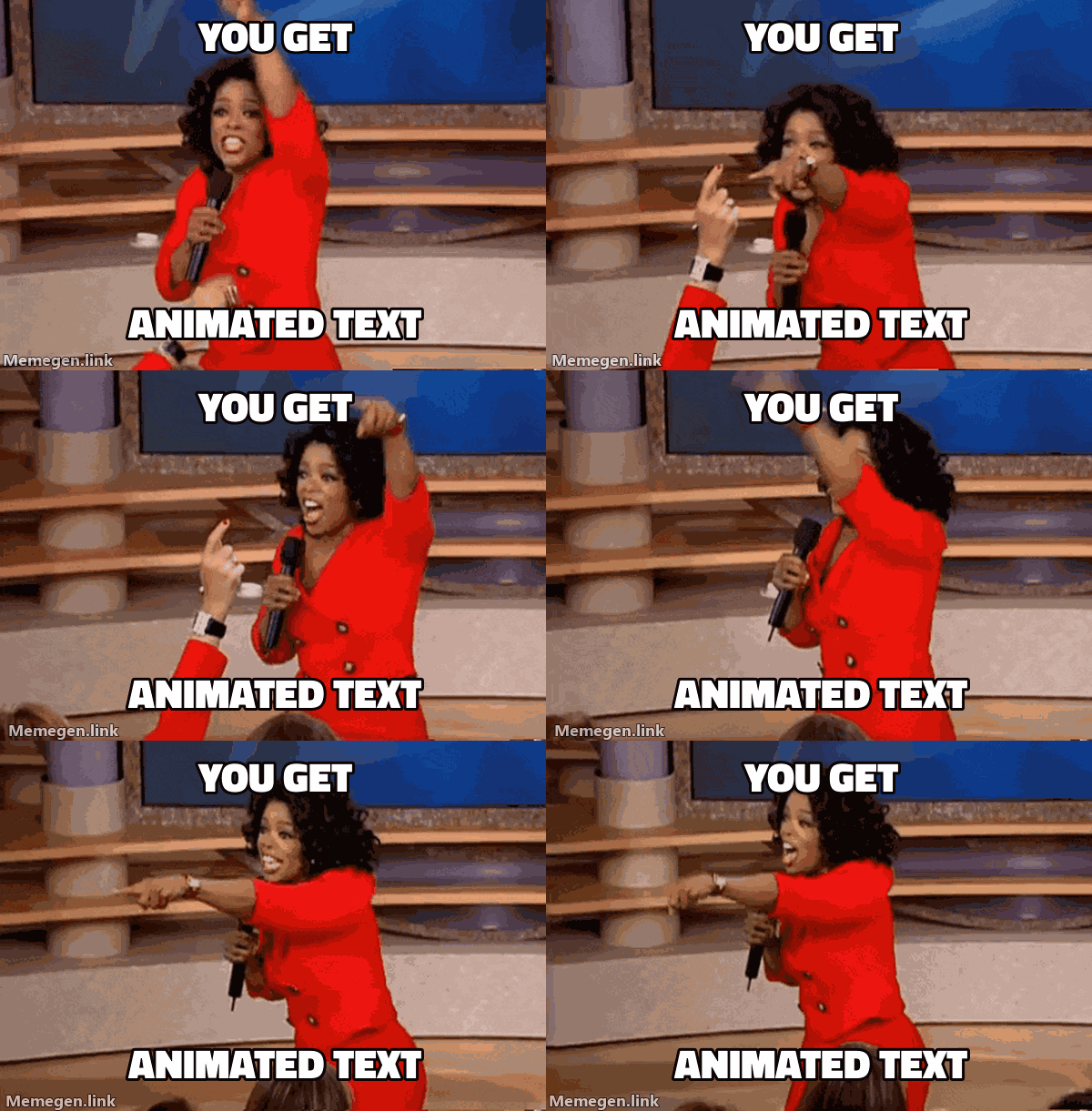
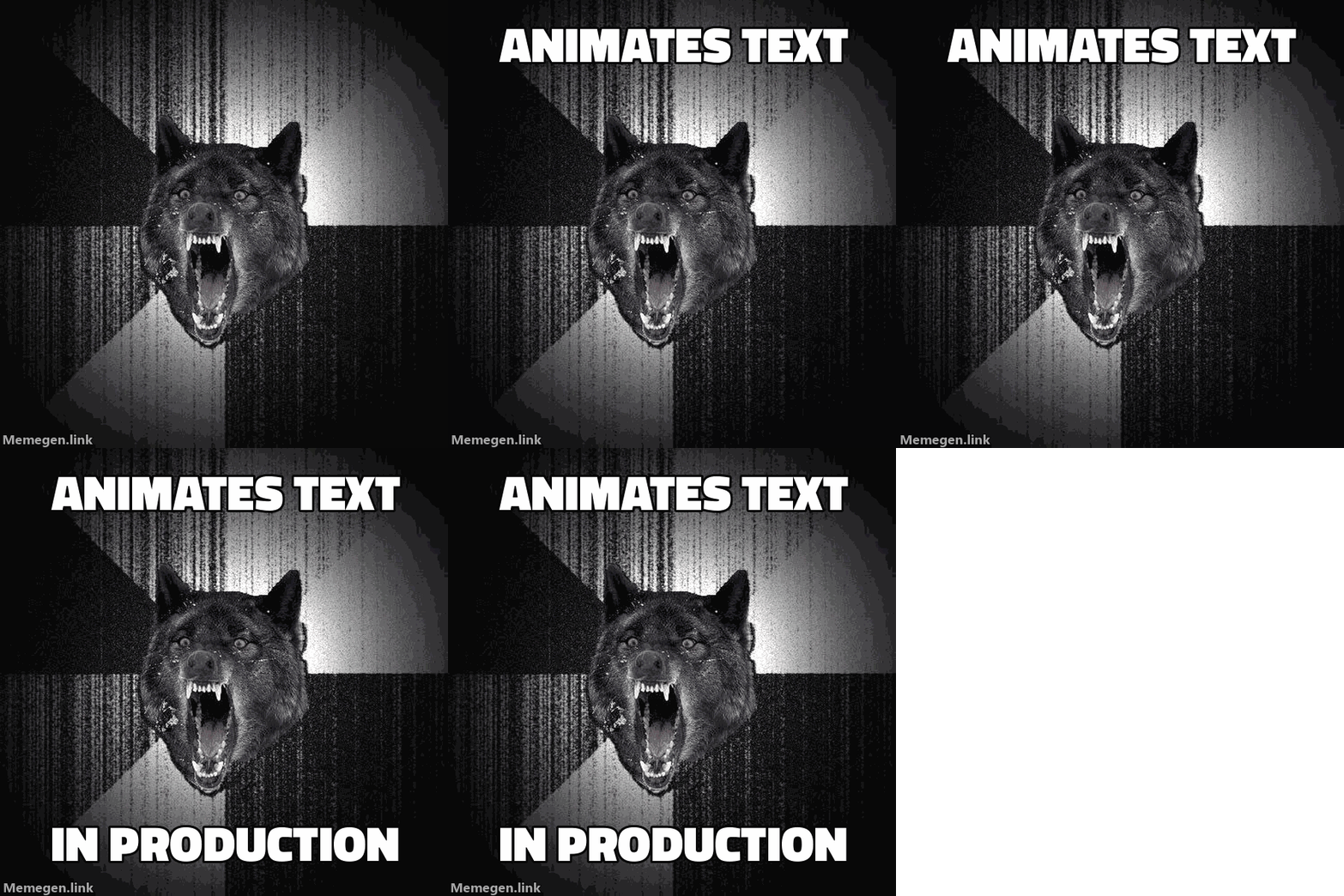
Clients can request .jpg instead of .png for smaller files. The .gif and .webp extensions can be used if an animated background is available or to animate text on static backgrounds:
| Format | Example |
|---|---|
| PNG | /images/ds/small_file/high_quality.png |
| JPEG | /images/ds/high_quality/small_file.jpg |

| GIF (animated background) | /images/oprah/you_get/animated_text.gif |

| GIF (static background) | /images/iw/animates_text/in_production.gif |
| WebP (animated background) | /images/oprah/you_get/animated_text.webp |
| WebP (static background) | /images/iw/animates_text/in_production.webp |
Custom Dimensions
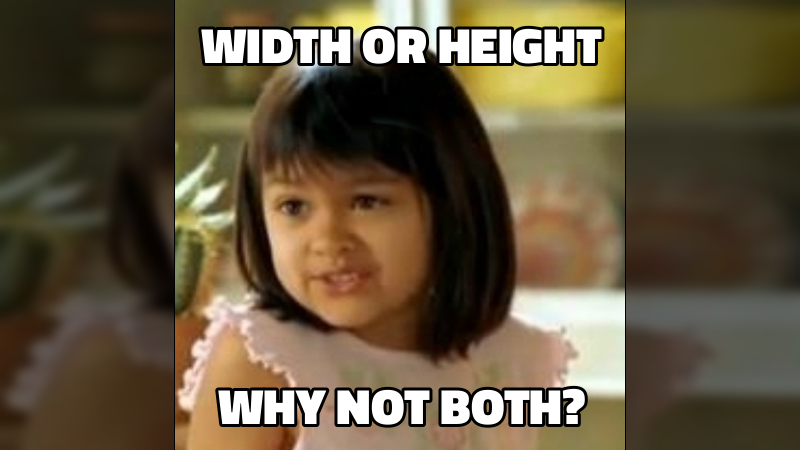
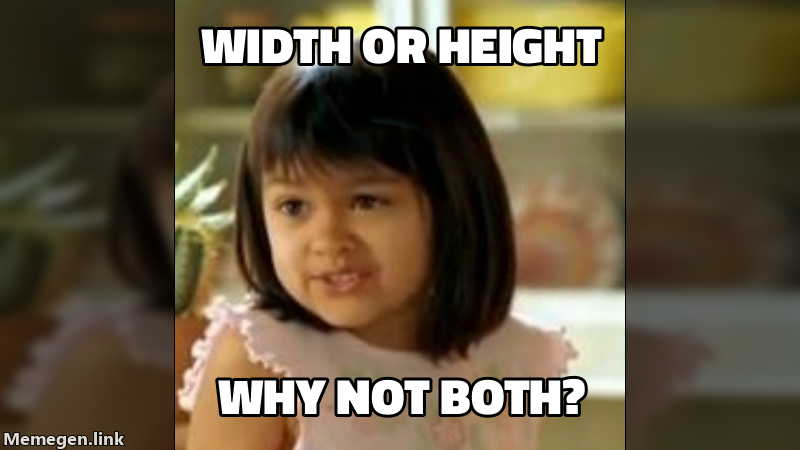
Images can be scaled to a specific width or height using the width=<int> and height=<int> query parameters. If both are provided (width=<int>&height=<int>), the image will be padded to the exact dimensions.
For example, https://api.memegen.link/images/both/width_or_height/why_not_both~q.png?height=450&width=800 produces:
Special Characters
In URLs, spaces can be inserted using underscores or dashes:
- underscore (
_) → space ( - dash (
-) → space ( - 2 underscores (
__) → underscore (_) - 2 dashes (
--) → dash (-) - tilde + N (
~n) → newline character
Reserved URL characters can be included using escape patterns:
- tilde + Q (
~q) → question mark (?) - tilde + A (
~a) → ampersand (&) - tilde + P (
~p) → percentage (%) - tilde + H (
~h) → hashtag/pound (#) - tilde + S (
~s) → slash (/) - tilde + B (
~b) → backslash (\) - tilde + L (
~l) → less-than sign (<) - tilde + G (
~g) → greater-than sign (>) - 2 single quotes (
'') → double quote (")
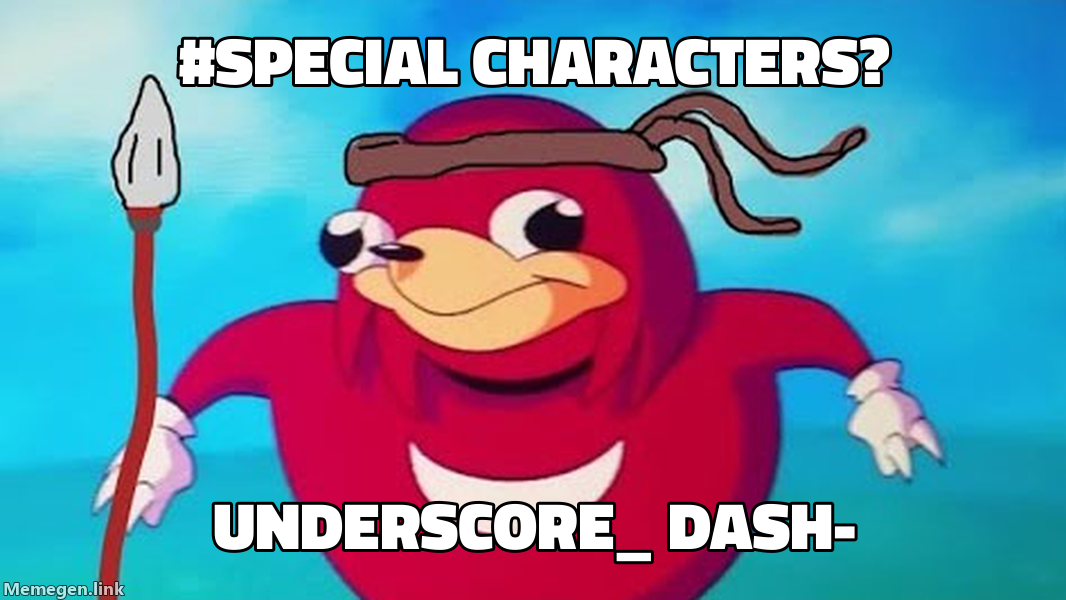
For example, https://api.memegen.link/images/ugandanknuck/~hspecial_characters~q/underscore__-dash--.png produces:
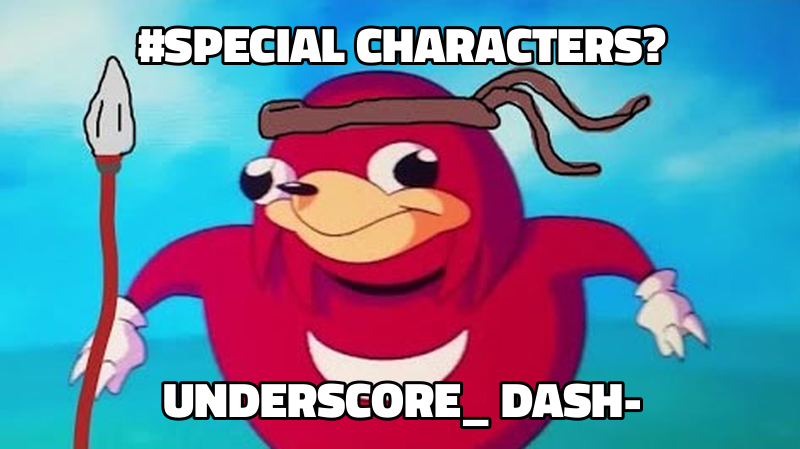
All of the POST endpoints will return image URLs with special characters replaced with these alternatives.
Templates
The list of predefined meme templates is available here: https://api.memegen.link/templates/
Alternate Styles
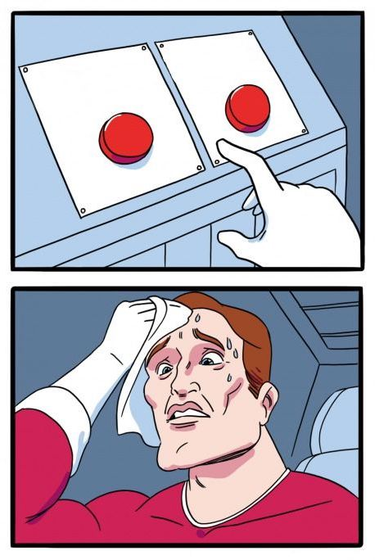
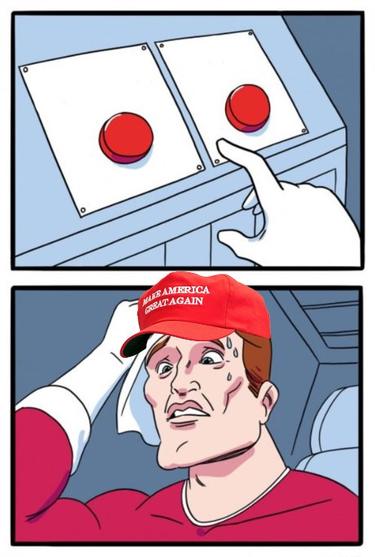
Some memes come in multiple forms, which can be selected using the style=<str> query parameter.
For example, the https://api.memegen.link/templates/ds/ template provides these styles:
/images/ds.png | /images/ds.png?style=maga |
|---|---|
 |  |
Custom Overlays
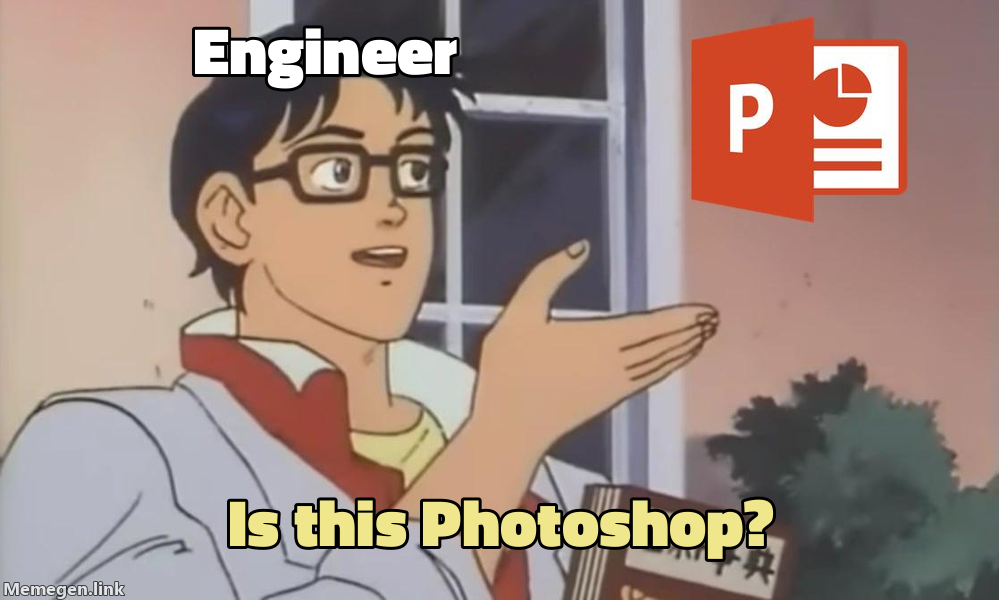
The style=<str> query parameter can also be an image URL to overlay on the default background image.
For example, https://api.memegen.link/images/pigeon/Engineer/_/Is_this_Photoshop~q.png?style=https://i.imgur.com/W0NXFpQ.png produces:
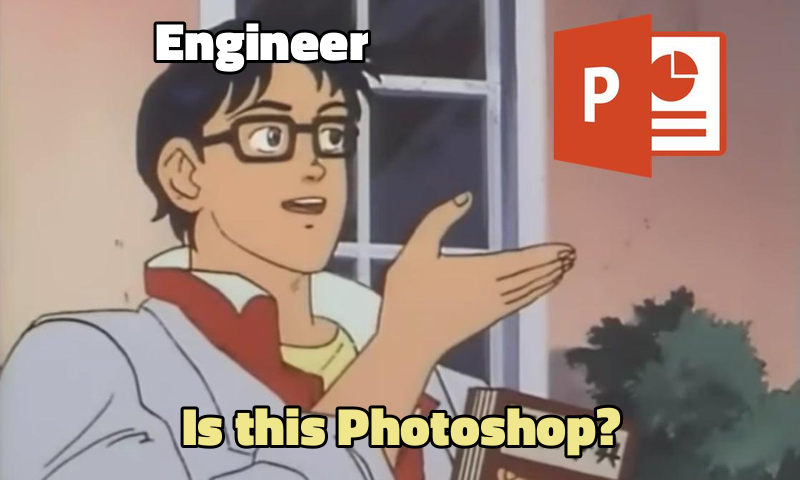
The overlay image can be customized with the following additional query parameters:
| Name | Type | Description |
|---|---|---|
center | <float>,<float> | Position of overlay relative to the top-left corner |
scale | <float> | Ratio of the background image's dimensions |
Custom Backgrounds
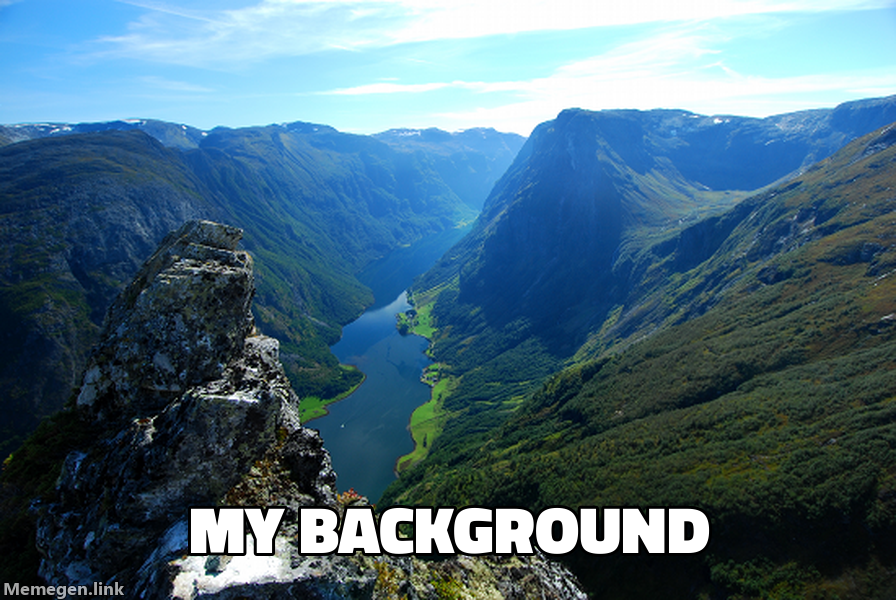
You can also use your own image URL as the background.
For example, https://api.memegen.link/images/custom/_/my_background.png?background=http://www.gstatic.com/webp/gallery/1.png produces:
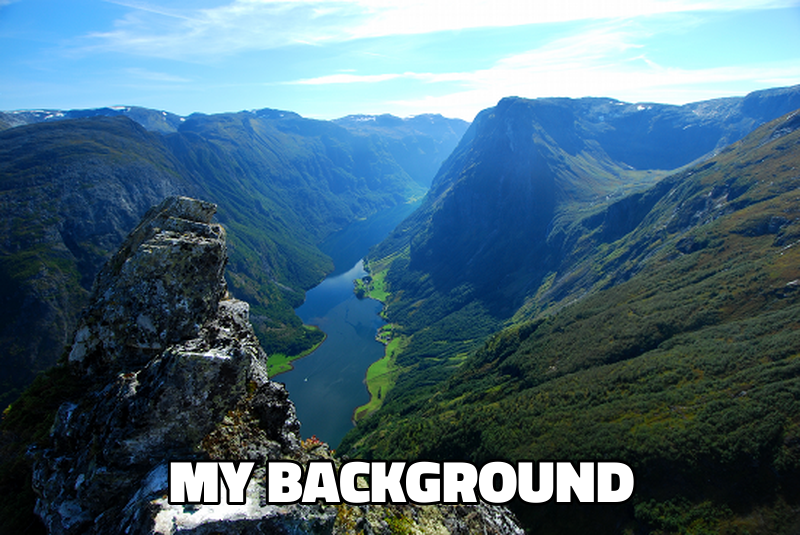
This can be combined with custom overlays to augment the background image.
Layouts

Add the layout=<str> query parameter to switch between the default and top text positioning.

For example, https://api.memegen.link/images/rollsafe/When_you_have_a_really_good_idea.webp?layout=top produces:
Fonts
The list of fonts is available here: https://api.memegen.link/fonts/
Add the font=<str> query parameter to customize the look of your meme:
| Name | ID | Alias |
|---|---|---|
| Titillium Web Black | font=titilliumweb | font=thick |
| Kalam Regular | font=kalam | font=comic |
| Impact | font=impact | - |
| Noto Sans Bold | font=notosans | - |
| HG Mincho B | font=hgminchob | font=jp |
Explore the full API here: https://api.memegen.link/docs/
编辑推荐精选

小云雀
字节旗下AI内容创作Agent
小云雀是字节跳动旗下剪映团队推出的AI内容创作Agent,主打”一句话打造一个爆款”的零门槛创作体验。用户只需输入一句指令,可自动生成15-60秒短视频、数字人口播视频、风格化海报等内容,支持200+可商用数字人形象和19种语言及方言。小云雀核心功能包括智能成片、AI设计、照片会说话、爆款复刻等,已接入豆包大模型、DeepSeek Chat及自研Seedance 2.0视频生成模型、Seedream 5.0图像生成模型。目前支持安卓APP和网页版,每日登录可领取120积分。适合自媒体创作者、电商营销人员、教育工作者及普通用户使用,近期因用户量激增,视频生成排队时长可达8小时。

豆包
字节跳动旗下 AI 智能助手
字节跳动旗下 AI 智能助手

Pixmax
一站式AI短剧创作平台
Pixmax专注打造下一代“ AI 视觉创作引擎”,整合行业顶尖 AI 大模型、工工业级精准控制及企业级协同管理功能,是全方位的 AI 内容创作平台。

GPT Plus|Pro充值
GPT充值
支持 ChatGPT Plus / Pro 充值服务,支付便捷,自动发货,售后可查。

GPT Image 2中文站
AI 图片生成平台
GPT Image 2 是面向用户的 AI 图片生成平台,支持文生图、图生图及多模型创意工作流。

Vecbase
你的AI Agent团队
Vecbase 是专为 AI 团队打造的智能工作空间,将数据管理、模型协作与知识沉淀整合于一处。算法、产品与业务在同一平台无缝协同,让从数据到 AI 应用的落地更快一步。
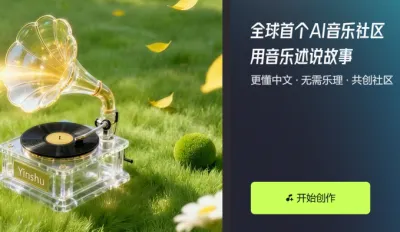

音述AI
全球首个AI音乐社区
音述AI是全球首个AI音乐社区,致力让每个人都能用音乐表达自我。音述AI提供零门槛AI创作工具,独创GETI法则帮助用户精准定义音乐风格,AI润色功能支持自动优化作品质感。音述AI支持交流讨论、二次创作与价值变现。针对中文用户的语言习惯与文化背景进行专门优化,支持国风融合、C-pop等本土音乐标签,让技术更好地承载人文表达。

QoderWork
阿里Qoder团队推出的桌面端AI智能体
QoderWork 是阿里推出的本地优先桌面 AI 智能体,适配 macOS14+/Windows10+,以自然语言交互实现文件管理、数据分析、AI 视觉生成、浏览器自动化等办公任务,自主拆解执行复杂工作流,数据本地运行零上传,技能市场可无限扩展,是高效的 Agentic 生产力办公助手。

lynote.ai
一站式搞定所有学习需求
不再被海量信息淹没,开始真正理解知识。Lynote 可摘要 YouTube 视频、PDF、文章等内容。即时创建笔记,检测 AI 内容并下载资料,将您的学习效率提升 10 倍。
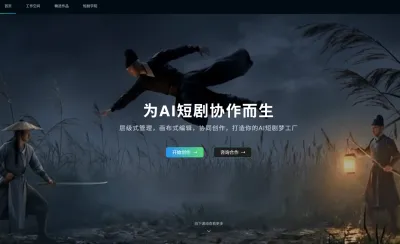

AniShort
为AI短剧协作而生
专为AI短剧协作而生的AniShort正式发布,深度重构AI短剧全流程生产模式,整合创意策划、制作执行、实时协作、在线审片、资产复用等全链路功能,独创无限画布、双轨并行工业化工作流与Ani智能体助手,集成多款主流AI大模型,破解素材零散、版本混乱、沟通低效等行业痛点,助力3人团队效率提升800%,打造标准化、可追溯的AI短剧量产体系,是AI短剧团队协同创作、提升制作效率的核心工具。

推荐工具精选


AI云服务特惠
懂AI专属折扣关注微信公众号
最新AI工具、AI资讯
独家AI资源、AI项目落地
微信扫一扫关注公众号